Overview
Google NotebookLM is a relatively new AI powered study and content synthesis tool built by Google and powered by Gemini. It is positioned primarily as a student-facing study assistant, particularly for high school, college, and higher education learners who want to transform notes into more usable study materials. When viewed through that lens, many of the design choices and limitations of the platform make much more sense.
At its core, NotebookLM allows users to upload or collect sources such as documents, PDFs, links, videos, and notes, then interact with those materials through an AI chat interface and a powerful content generation workspace called Studio. Rather than acting as a general purpose chatbot, NotebookLM is designed to stay tightly grounded in the sources you provide, making it feel more like an intelligent research and study companion than an open ended AI assistant.
While the primary audience appears to be students, NotebookLM also has meaningful applications for educators who understand how to prompt it carefully and work within its constraints.
Curricular Integration
NotebookLM is not a curriculum aligned instructional platform in the traditional sense. It does not map to standards, sequence lessons, or provide structured scope and sequence tools. Instead, it functions as a content transformation layer that sits on top of whatever curriculum or materials you choose to provide.
For students, this means lecture notes, readings, worksheets, videos, and research materials can be reorganized into formats that support studying and comprehension. For teachers, it means existing curricular materials can be repurposed into alternate representations such as summaries, quizzes, visualizations, or audio explanations.
The tool works best when the inputs are informational in nature. Content that clearly explains concepts or facts tends to produce strong outputs, while instructional documents such as lesson plans or pedagogical notes can sometimes confuse the system and lead to less useful results. Careful source selection is critical, especially when using the built in web search, since irrelevant, untimely, or fictitious context sources can unintentionally steer outputs in the wrong direction.
User Experience
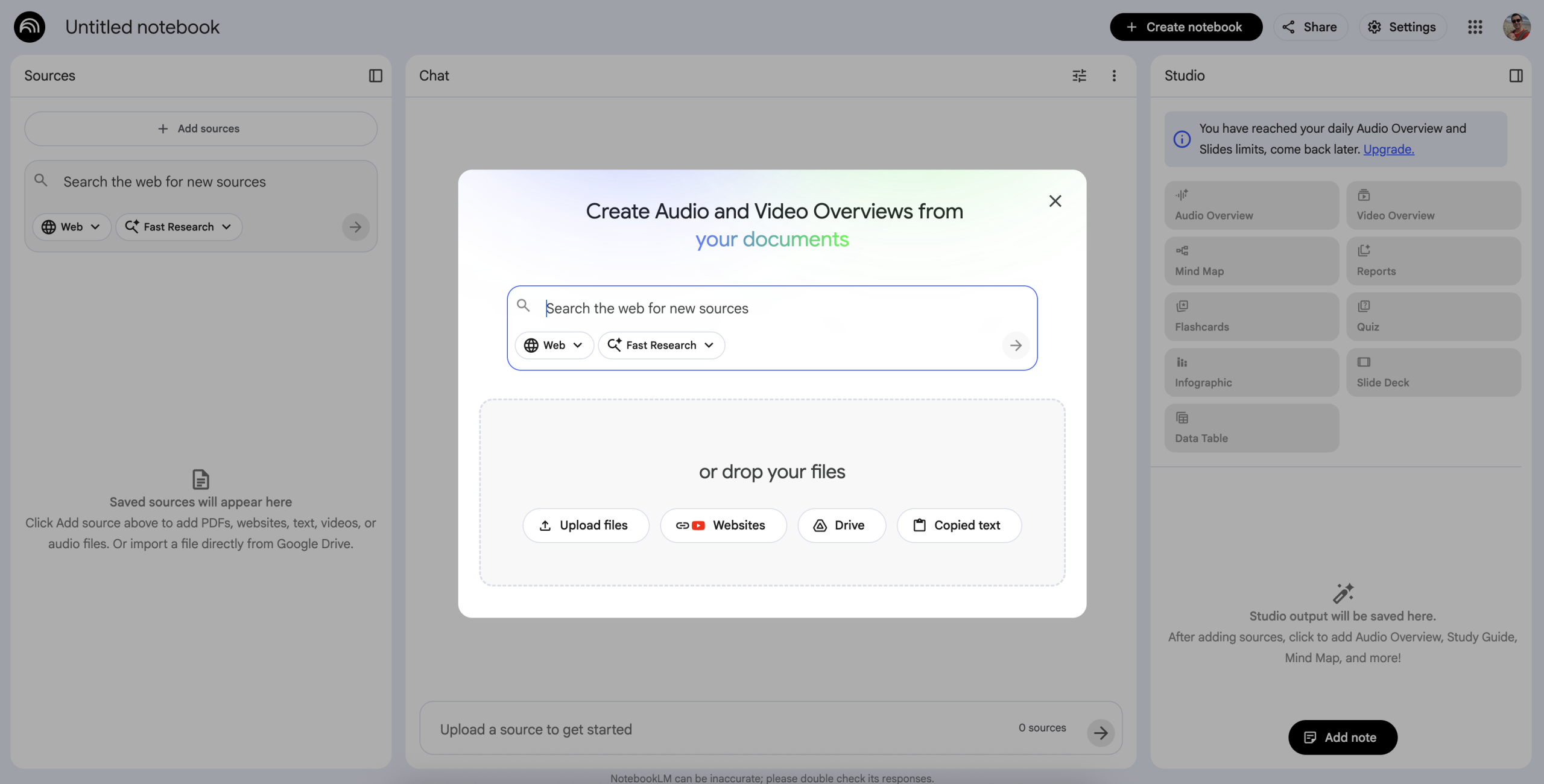
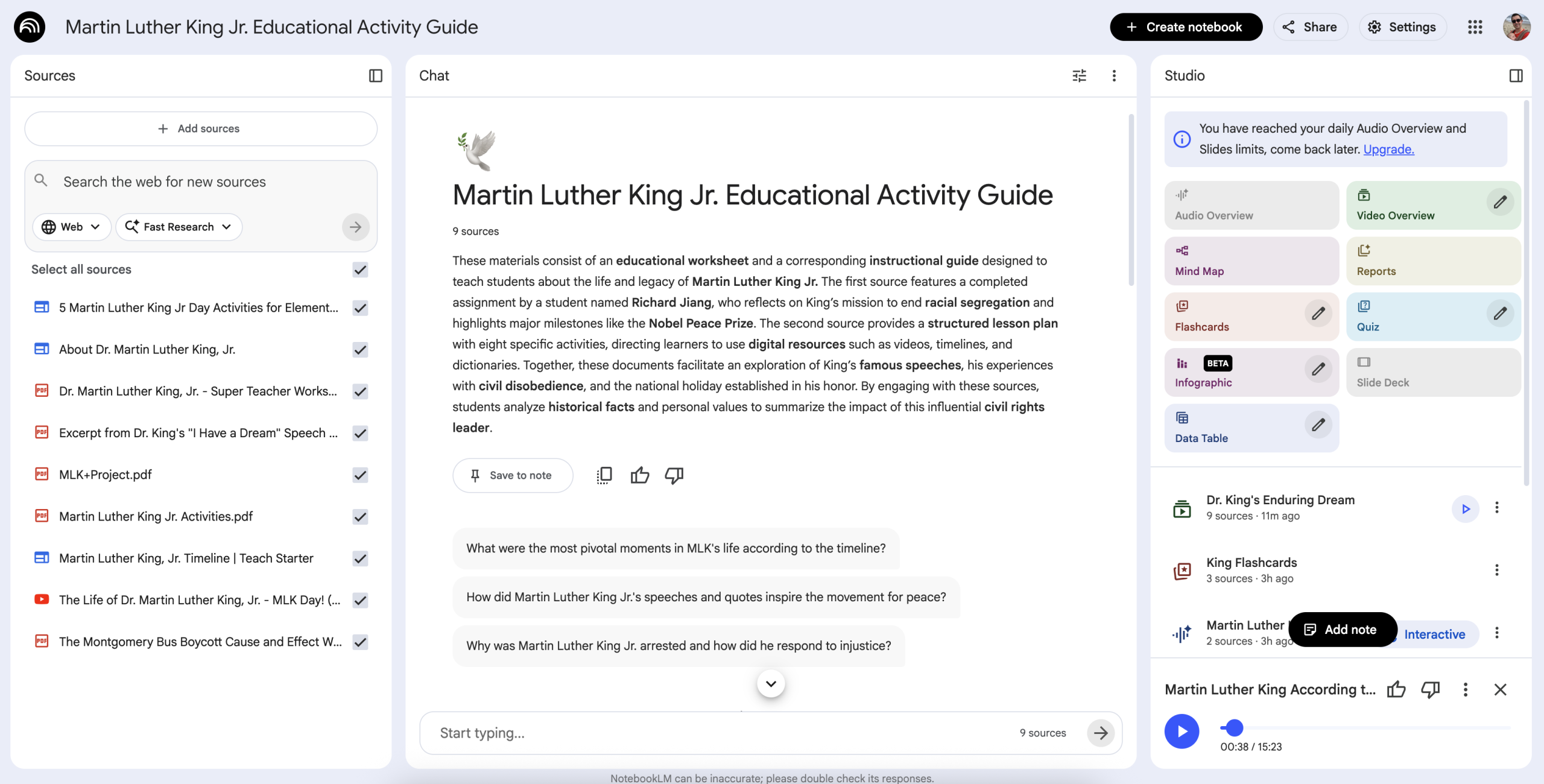
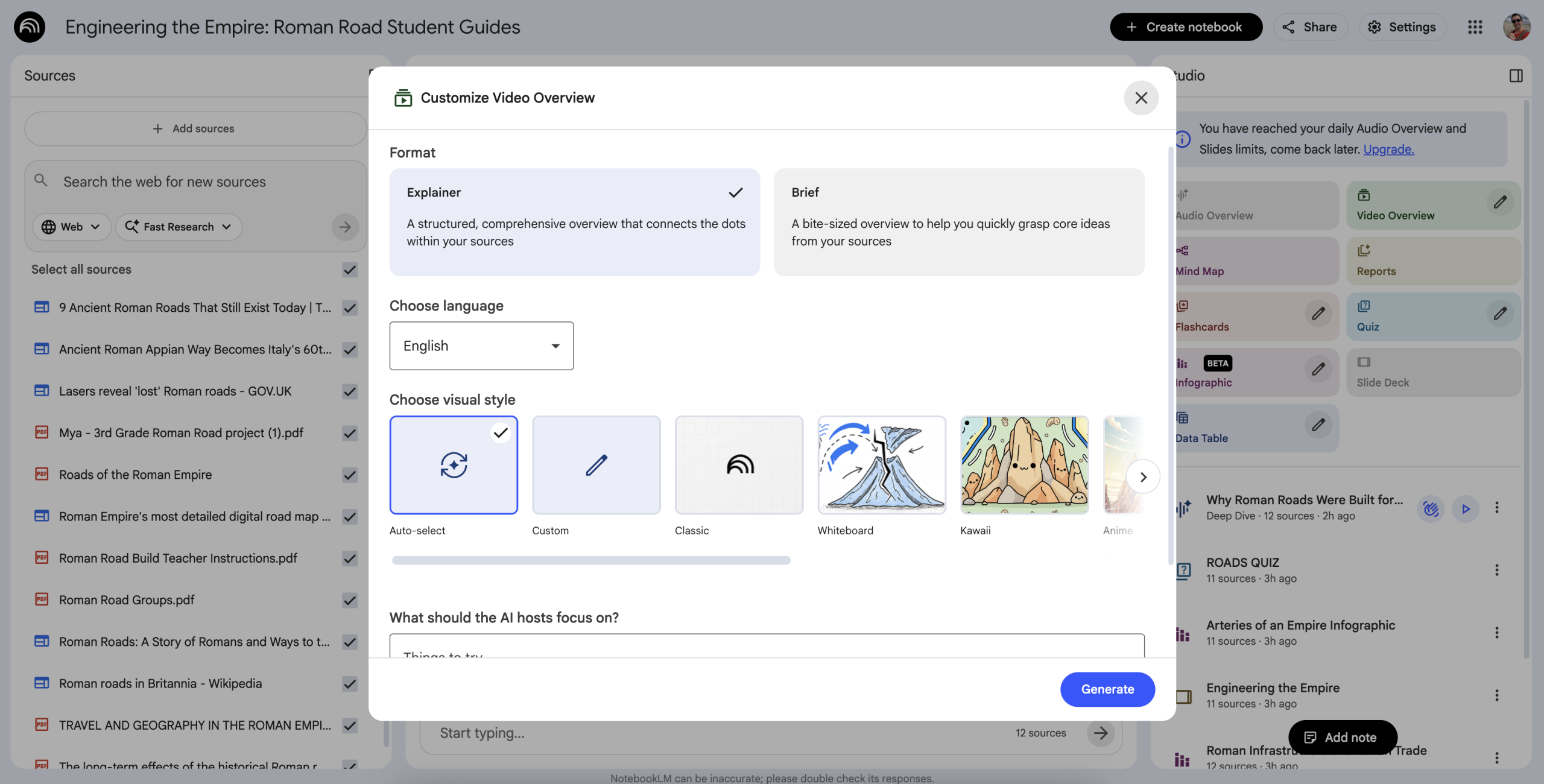
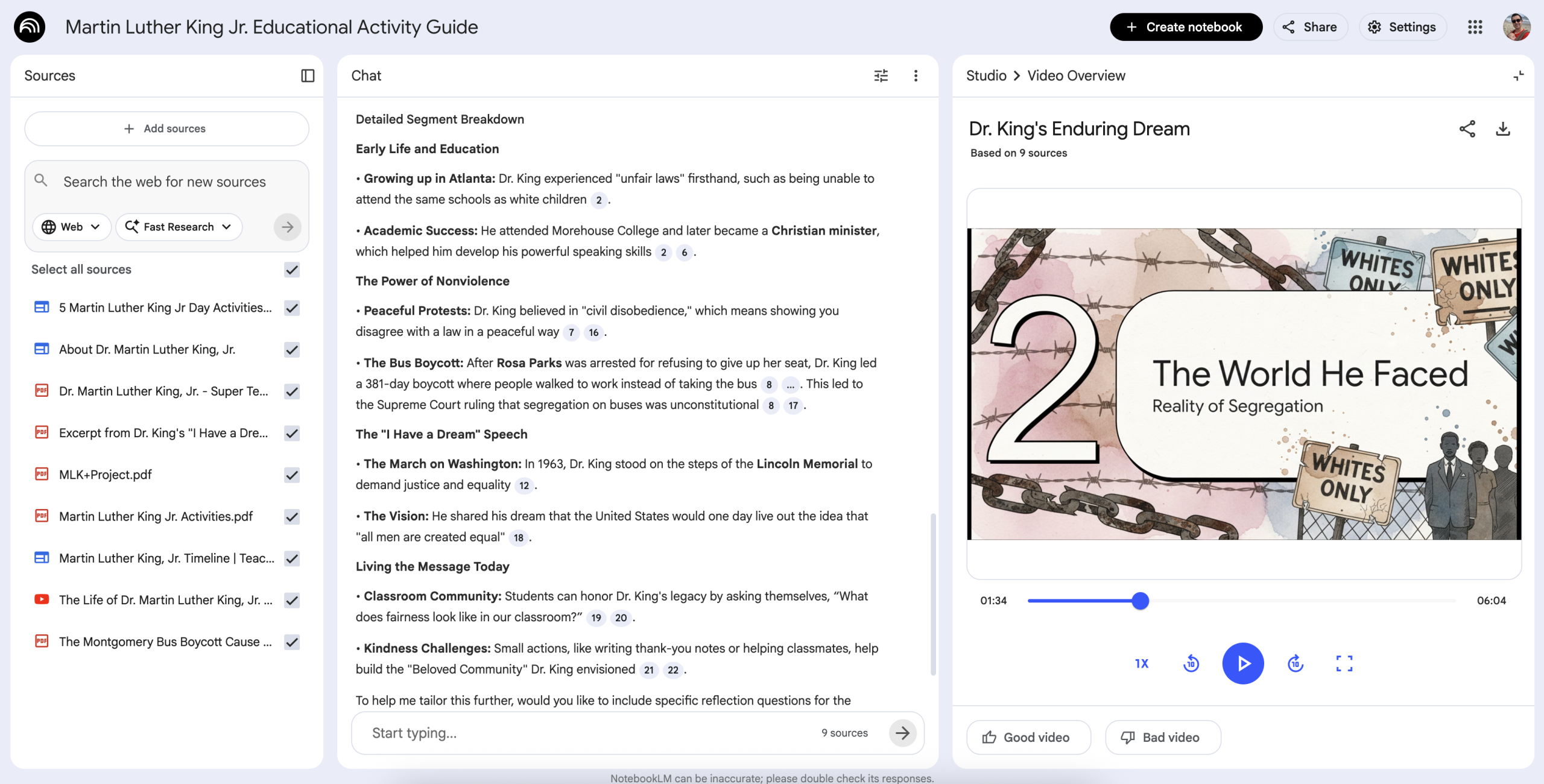
NotebookLM is organized around three primary areas that work together: Sources, Chat, and Studio. Users begin by adding sources on the left side of the interface. These can include uploaded files, linked documents, websites, videos, or other reference materials. Once sources are added, NotebookLM creates a chat experience that is constrained entirely to that content, allowing users to ask questions, clarify ideas, or generate text that is grounded in their materials.
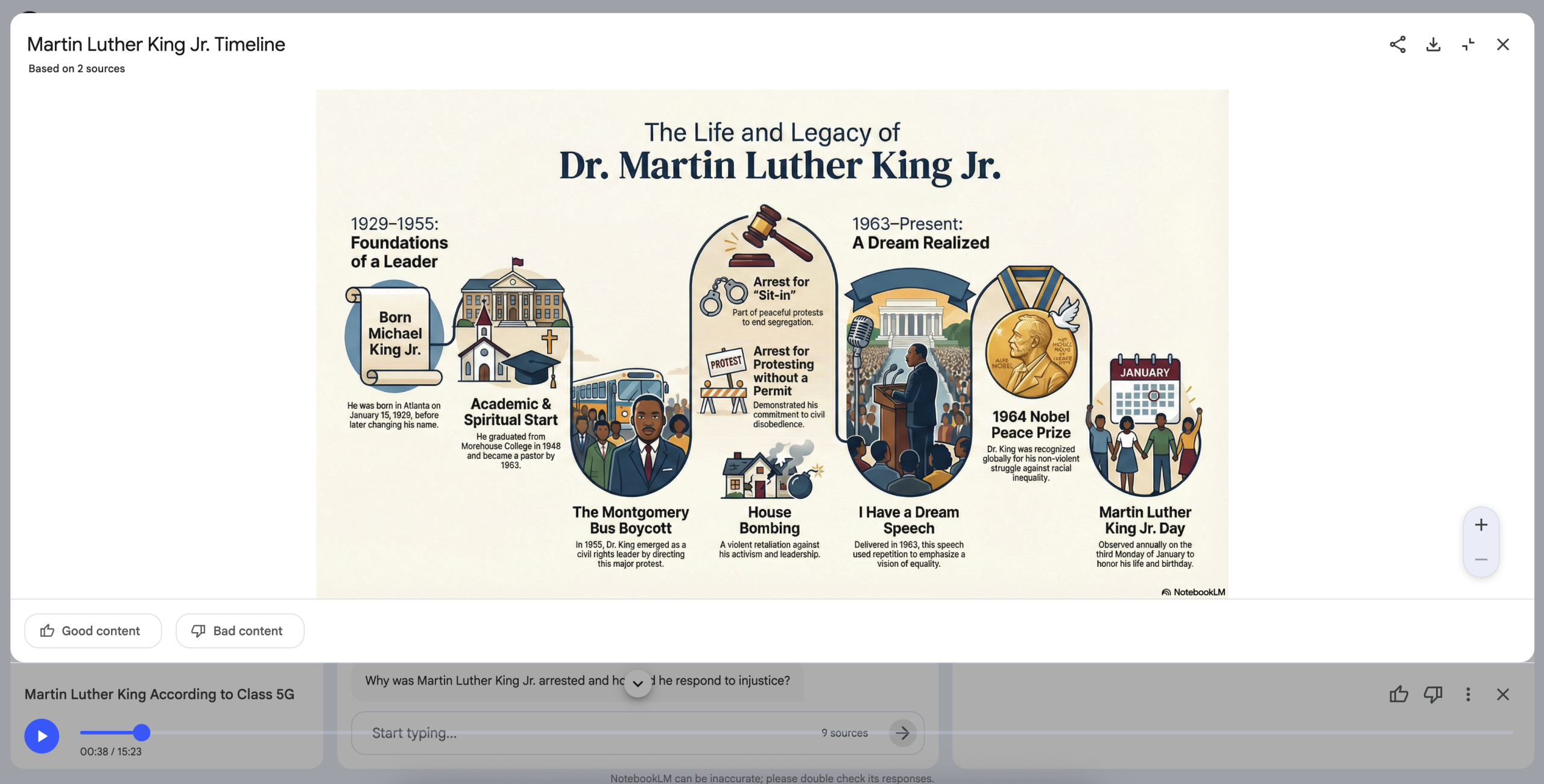
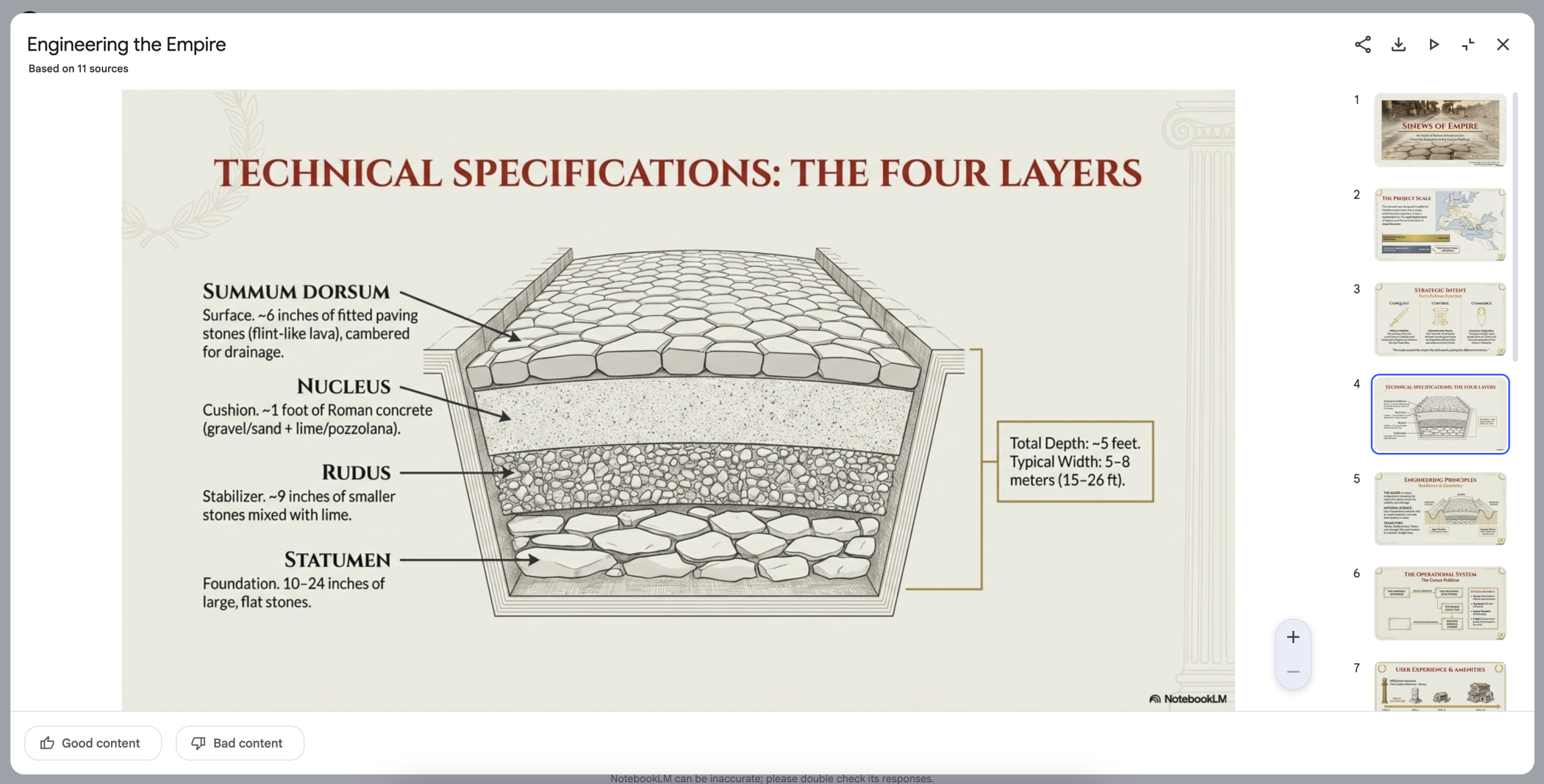
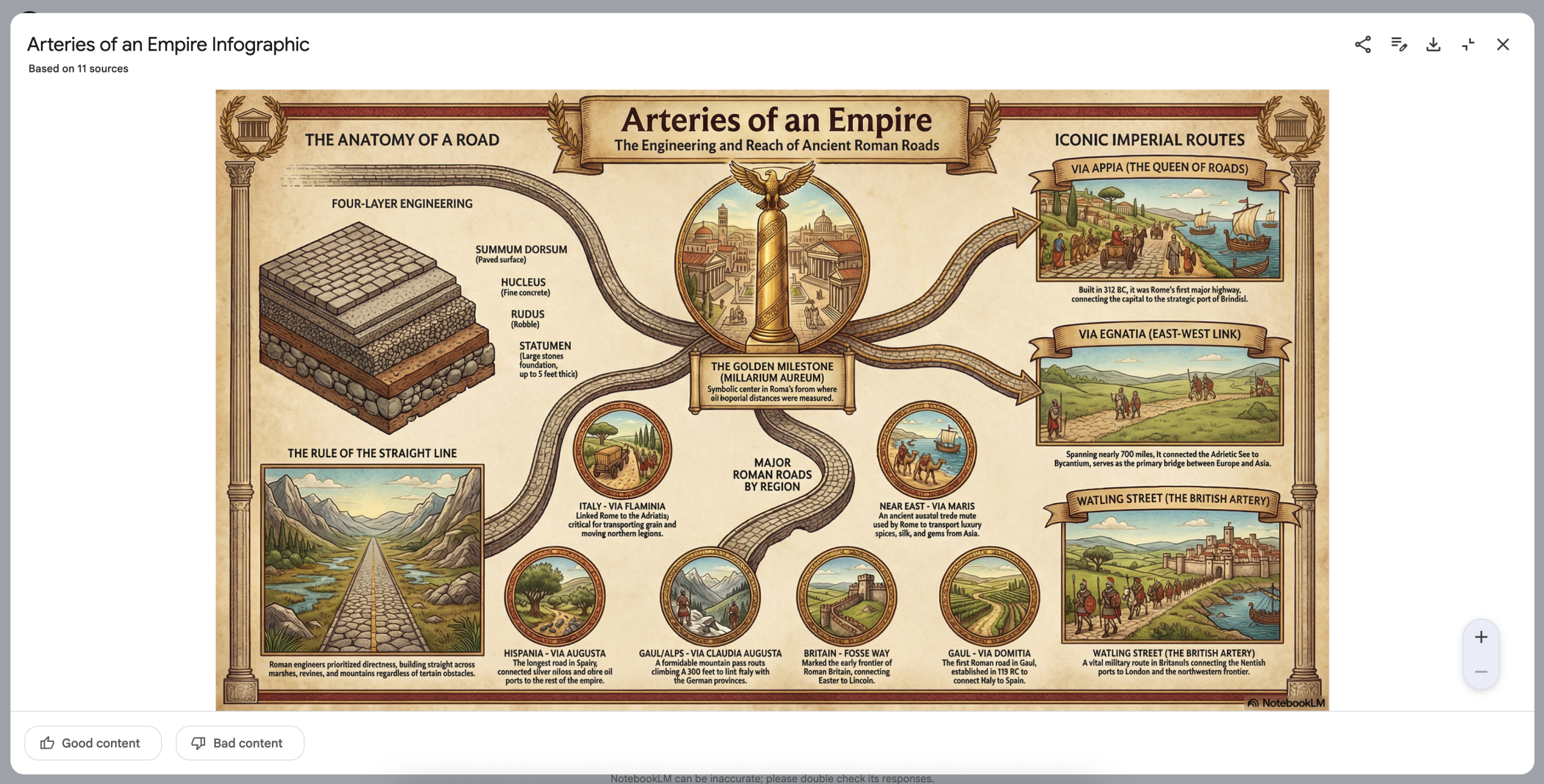
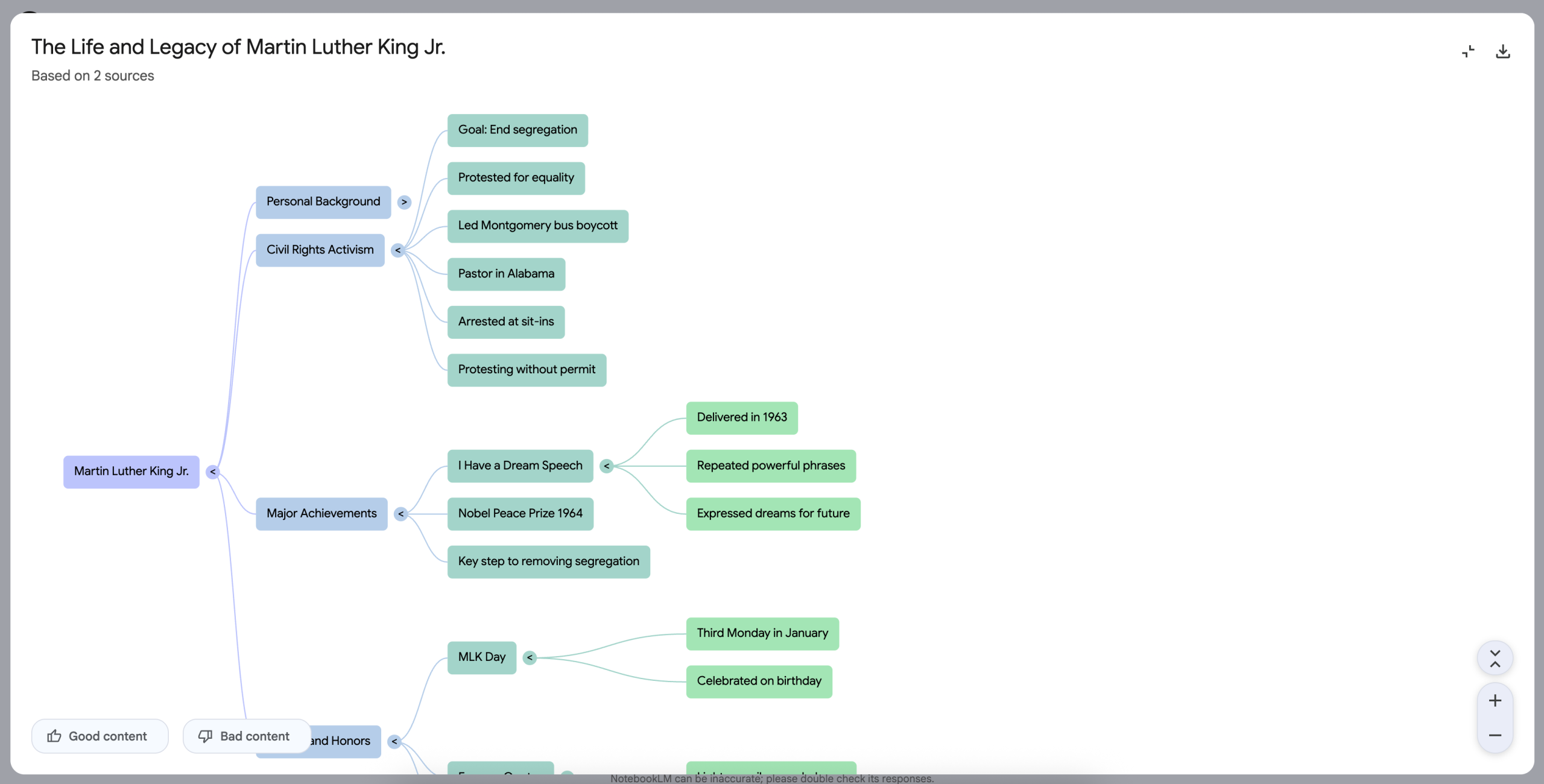
The Studio is where the platform truly shines. From this area, users can generate a wide range of outputs, including audio overviews, mind maps, flashcards, quizzes, infographics, slide decks, reports, and more. These outputs are generated directly from the selected sources and can be fine tuned using editable prompts before creation.
The quality of outputs depends heavily on how well the user curates sources and prompts the tool. When prompted thoughtfully, the results can be exceptionally strong. When prompted loosely or when too many irrelevant sources are included, the tool can go off track. In that sense, NotebookLM rewards intentionality and punishes careless input, following a classic garbage in, garbage out pattern, but in this case, it has more to do with a user not understanding the functionality of the tool.
Technology and Systems Integration
NotebookLM is available to users with Google accounts and is currently free for users with Google Workspace for Education accounts, though with daily usage limits. These limits apply most noticeably to resource intensive outputs such as audio overviews and slide decks.
The platform does not currently integrate directly with learning management systems, gradebooks, or classroom workflows. Instead, it operates as a standalone workspace where content can be generated and then exported for use elsewhere. Most outputs can be downloaded or shared, though some formats, such as slide decks, are exported only as PDFs rather than editable Google Slides.
Most impressive are the audio and video output tools. The audio outputs feel like a real podcast and allow you to engage with the speakers. The video tools make a narrated slide deck of sorts that feels like something in between a recorded presentation and a simple documentary film.
This design reinforces NotebookLM’s positioning as a study and synthesis tool rather than a full instructional platform or something designed to be integrated into an LMS.
Pricing and Access
NotebookLM is free to use with a standard Google account, and users with Google Workspace for Education accounts receive access with relatively generous but finite daily limits. These limits become noticeable when generating multiple audio overviews or slide decks in a single day.
Expanded access and higher usage caps are available through Google’s AI Pro offerings, which are significantly more expensive and are typically associated with enterprise or advanced individual use cases. Most K-12 schools and teachers are unlikely to have access to these higher tiers.
For typical student use and light to moderate teacher use, the free education access is sufficient, provided users are thoughtful and efficient with their prompts. Lots and back and forth with high usage studio tools will force you to wait another day to get new outputs.
Professional Development and Training
NotebookLM does not require formal training, but it does require learning how to use it well. Users who treat it like a general chatbot may be disappointed, while those who understand its source driven design tend to get far better results.
For teachers, the learning curve is less about technical skill and more about mindset. The tool is not designed to replace lesson planning or assessment systems. Instead, it excels at transforming existing content into alternate formats that support different learning styles.
Minimal guidance from Google exists specifically for educators, which suggests that the company still views this primarily as a student tool. With clearer educator focused workflows and documentation, NotebookLM could become significantly more powerful in classroom settings.
Privacy, Data and Ethics
NotebookLM keeps its outputs tightly scoped to the sources users provide, which helps reduce hallucination and misuse. It aligns with Google’s broader privacy and data handling practices for education accounts.
Because the tool is source bound rather than open ended, it feels safer for academic use than many general purpose AI tools. However, users must remain mindful of what they upload, especially when student work or personally identifiable information is involved.
While an unlikely use case, I would hesitate to give it any personal student information as it is not designed as a teacher facing tool and is likely not compliant with privacy laws.
Strengths and Limitations
- Strengths
NotebookLM’s greatest strength is its Studio outputs. The audio overview tool is particularly impressive, producing podcast style content that is engaging, coherent, and genuinely useful for studying or review. The infographic and slide deck generators stand out as some of the strongest currently available when prompted carefully, producing visually clean and conceptually accurate materials.
- Limitations
At the same time, the platform has clear limitations. Slide decks export only as PDFs, making post generation editing difficult. Usage limits can interrupt workflow if prompts need multiple iterations. Some outputs, such as quizzes and flashcards, are more useful for student study than for teacher led assessment.
The tool also demands careful source curation. Users who do not review or filter sources may end up with outputs that drift away from instructional intent.
Final Verdict
Google NotebookLM is one of the most impressive student focused AI study tools currently available. When used as intended, transforming notes and source materials into alternate formats for review and comprehension, it excels. The Studio outputs, particularly audio overviews, video outputs, infographics, and slide decks, are among the strongest examples of applied generative AI in education today.
For teachers, the tool offers powerful possibilities, but only when used intentionally and within its constraints. It is not a turnkey classroom content generator, nor is it a replacement for curriculum planning tools. With thoughtful prompting and careful source selection, however, it can produce high quality instructional resources that would otherwise take hours to create.
With continued development and greater attention to educator needs, NotebookLM has the potential to become not just a great study tool, but a genuinely transformative platform for teaching and learning.